XASP Assignment Queue
 Updated
by
Arianne G.
Updated
by
Arianne G.
The XASP Assignment Queue© is a filter in Search that shows unassigned assignments. From the queue, you can assign one or more assignments to individual XactNet addresses in your organization.
The screenshots in this document are generic, and your company’s interface may vary.
This feature is controlled by a preference. If you would like to have it enabled, please contact your customer success manager or sales executive.
Access Assignment Queue
On the Search page, click Status Type and select XASP Assignment Queue from the dropdown menu.

By selecting this filter, you only see the assignments that have the status In Assign Queue.
Assign from Assignment Queue
- Select the checkboxes for the assignment(s) you want to assign.
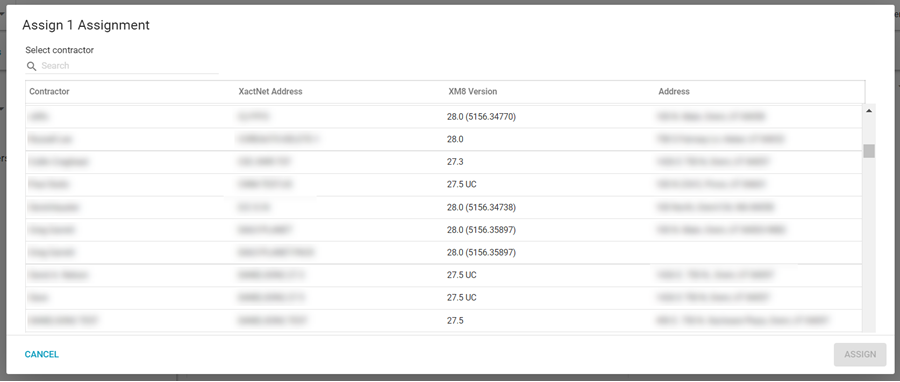
- Select Assign from the Select an Action menu. The Assign an Assignment window appears.
- Select a contractor from the list or search for a specific contractor.
- Click Assign.