XactInsights billing report
 Updated
by
Mara K
Updated
by
Mara K
Create custom reports
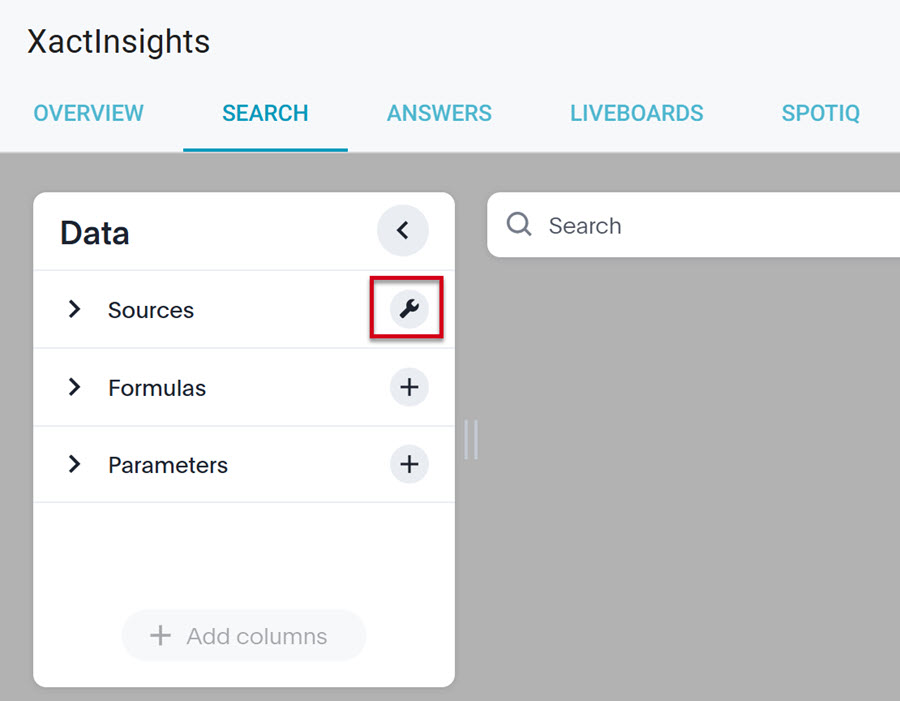
- Navigate to the Search tab in XactInsights.
- Select the wrench icon next to Sources to choose a source.
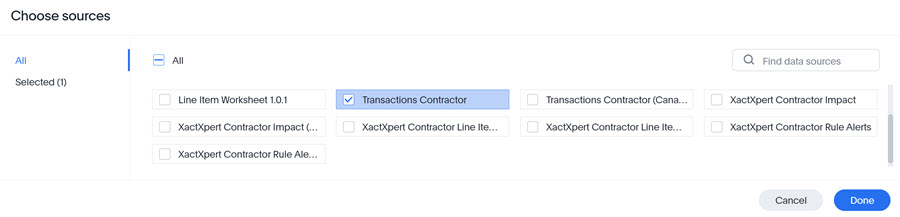
- Select the Transactions Contractor worksheet, then click Done.
- Select the desired report columns. The selected columns will turn blue. For a report most like the prior billing report, the following options are recommended:
- Billing Month Year
- Cancellation Date
- Claim Number
- Estimate Value
- Insured Name
- Invoice Number
- Transaction Type
- Unit Price
- XactAnalysis ID
- Click Add columns.
- Click GO.
- Click the … icon.
- Select Save.
- Enter a report name and a description, if desired.
- Click Save answer.
View Liveboard billing report
- Navigate to Reports > XactInsights > Liveboards.
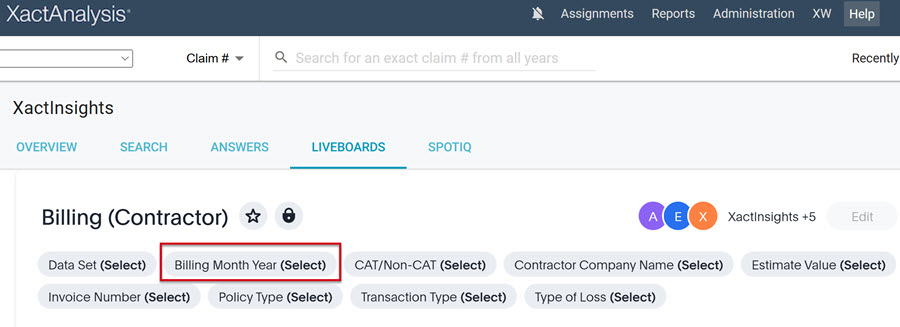
- Select the Billing (Contractor) liveboard.
- Select the Billing Month Year column.
- Select Between from the dropdown menu.
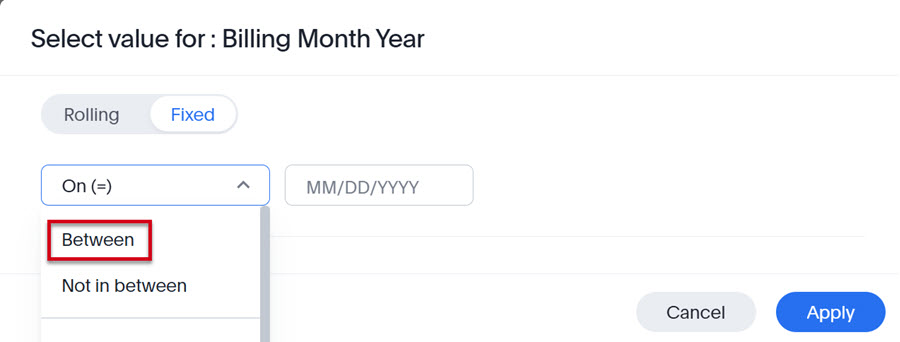
- Enter the desired dates, then click Apply.